How To Turn On A Bissell Vacuum: Quick Steps 2026
Press the power button, confirm outlet or battery, then recline the handle if required.
If you have ever fumbled for a switch or wondered why the motor is silent, you are not alone. I help people every week with how to turn on a Bissell vacuum, and small steps make all the difference. This guide shows you the exact controls, the right sequence, and the quick fixes that keep your machine running on cue.
Know your Bissell model and power controls
Bissell places the power control in different spots across lines and years. That is why the first step is to identify your model style. The switch may sit on the handle, on the body, or as a foot pedal near the base.
Common layouts you will see:
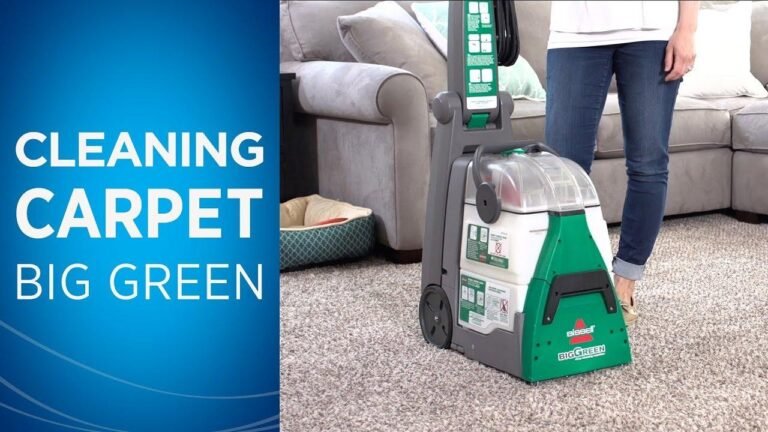
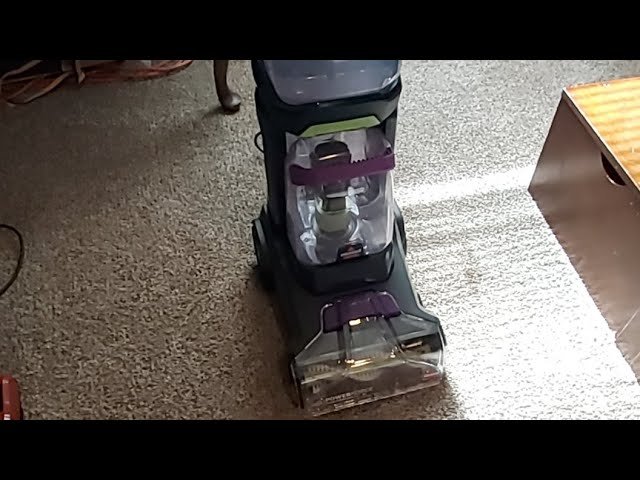
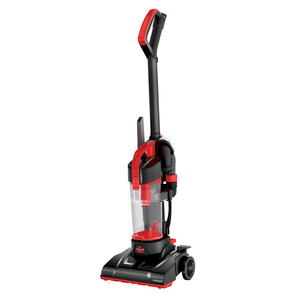
- Upright corded vacuums, like CleanView or Pet Hair Eraser. Power button is on the body or handle. A brush roll on/off switch may sit nearby.
- Canister vacuums, like Zing. Power is often a large body button. Suction level may sit on the hose grip.
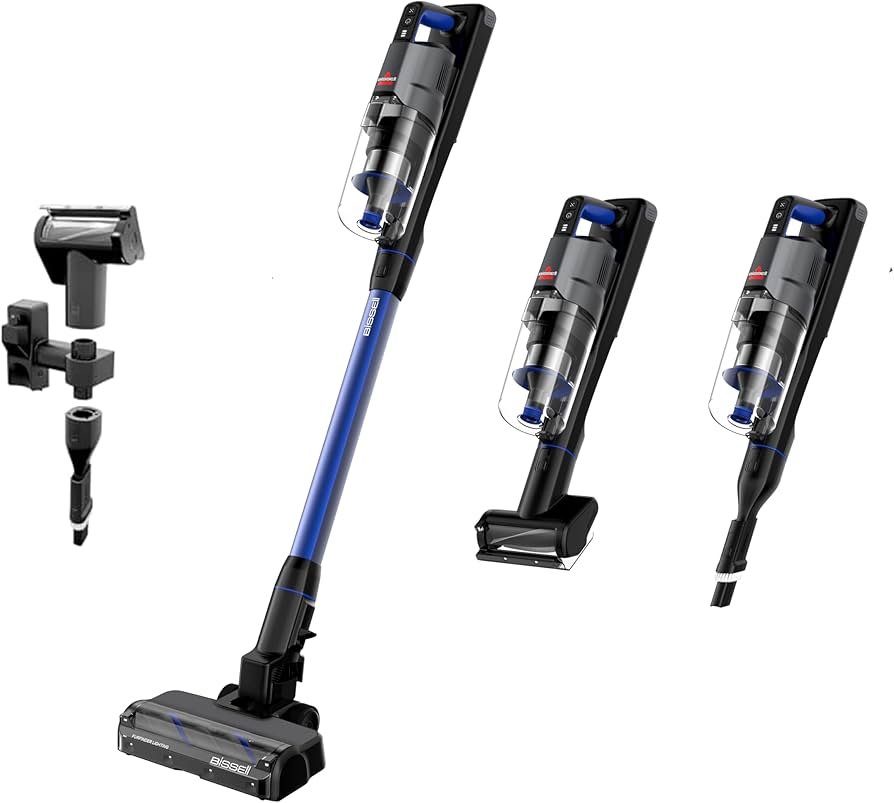
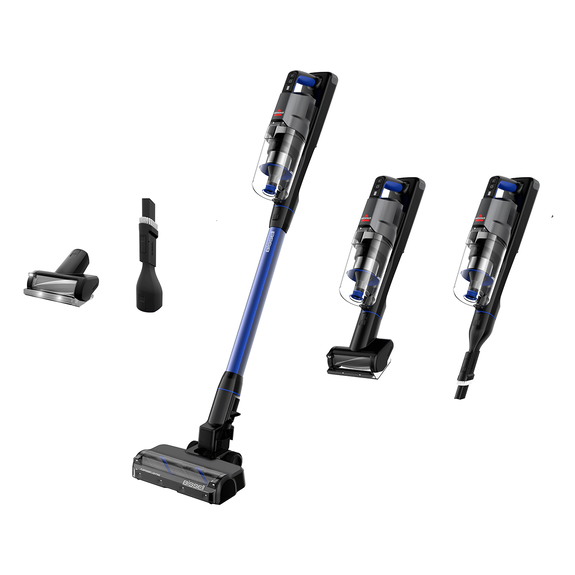
- Cordless stick vacuums, like ICONpet or Adapt. Power is a trigger or a button on the handle. Battery lights tell you charge level.
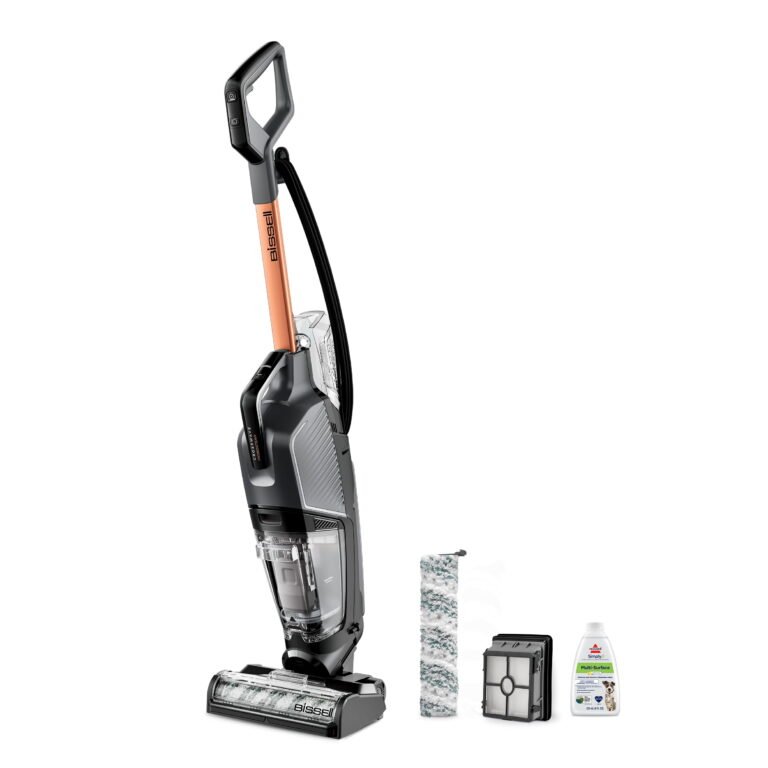
- Lightweight corded sticks. Power is a small rocker on the handle or body. Some models also require a recline to spin the brush.
In my service calls, most “no power” cases are control location mix-ups or simple connection issues. Before you assume a fault, learn the control map. It will save time and stress when you think about how to turn on a Bissell vacuum.

Step-by-step: how to turn on a Bissell vacuum
If you want the fastest path on how to turn on a Bissell vacuum, match your model below. Follow the steps in order. Keep the floor head clear of cords and fabric.
Corded upright models
- Plug into a working outlet. Avoid power strips when testing.
- Unwrap the full cord and check for damage.
- Press the power button once. It may be on the handle or low on the body.
- If the brush roll has a separate switch, turn it on for carpet. Leave it off for hard floors.
- Recline the handle using the foot pedal if suction starts but the brush does not.
Cordless stick models
- Seat the battery until it clicks. Many models will not power on if it is loose.
- Press and hold the power button or trigger as designed. Some need a two-second hold.
- Select a suction mode if offered. Eco, Mid, or Max are common.
- Watch the LED lights. They report power state and battery level.
Canister models
- Plug the body unit into a wall outlet.
- Press the large power button on the canister.
- Adjust suction on the hose slider if equipped.
- Keep the hose straight to improve airflow at start.
Lightweight corded sticks and handhelds
- Plug in and check the cord path.
- Find the small rocker or slide switch on the handle.
- For combo vacs, ensure the handheld locks into the stick body.
These steps reflect how to turn on a Bissell vacuum across the most popular lines. If a unit still stays off, move to the quick checks below to spot a simple block.
Safety and prep before you power on
A 30-second check helps the motor start clean and last longer. It also cuts the chance of a blown fuse, a trip, or a jam.
Do this each time:
- Inspect the cord and plug for cuts or heat marks.
- Confirm the dust bin and filters are fully seated. Gaps drop suction and can trip a sensor.
- Clear hair from the brush roll. Many models shut down a jam to protect the belt.
- Keep water and damp floors away from corded units. Cordless wet/dry designs are the rare exception.
- Test the outlet with a phone charger or lamp. Some wall switches control outlets.
This prep supports a smooth start when you wonder how to turn on a Bissell vacuum in a hurry.

Troubleshooting: Bissell vacuum will not turn on
When a unit will not start, I run through this simple path. It solves most cases without tools.
Start with power and control checks:
- Try a different outlet you know works.
- Reset any GFCI in the room. Bathrooms, kitchens, and garages often have them.
- On uprights, push the handle fully down into the base. Some models need a firm click.
- On cordless, remove and reseat the battery. Then hold the power button for two seconds.
Look for thermal and jam issues:
- If the vacuum stopped mid-clean, it may be hot. Unplug it. Clear clogs. Let it cool 30 minutes.
- Remove hair from the brush and ends. A jam can stop the motor or trip a protector.
Fix loose or missing parts:
- Reinstall the dirt tank and filter cage. Many models use a safety interlock.
- Check the hose, wands, and head are fully clicked in.
Know when to call support:
- A burnt smell, scorch marks, or a hot plug means stop. Do not test again. Contact service.
- If the power switch feels loose or stuck, it may need a new switch module.
These steps align with standard user manuals across Bissell lines. They also match what I see on the bench each week. They work well when people ask how to turn on a Bissell vacuum that seems dead.

Pro tips for reliable start-ups and longer life
Little habits make every start smooth and safe. They also keep parts from wearing out too soon.
Try these tips:
- Empty the bin before it hits the max line. Airflow at start is much better.
- Wash foam filters with cool water only. Dry them for 24 hours before reuse.
- Replace HEPA or pleated filters on the schedule in your manual.
- On cordless, charge after each use. Do a full run-down once a month to keep the gauge honest.
- Store the vacuum upright. Do not leave weight on the brush or hose.
Build these into your weekly clean. They will make how to turn on a Bissell vacuum feel instant and stress-free.

Brush roll, modes, and features that affect start-up
Some features change what you feel at start. Know them so you do not mistake normal behavior for a fault.
Watch for these:
- Brush roll on/off. Many Bissell vacuums have a separate brush switch. Suction can be on while the brush is off.
- Hard floor mode. It will stop the brush. That is by design to avoid scatter.
- Recline-to-run design. A few sticks and uprights only spin the brush when you recline the handle.
- LED error codes. Flashing lights can mean jam, low battery, or filter out of place.
When you know these, you read the machine fast. It also sharpens your sense of how to turn on a Bissell vacuum on any floor type.

Frequently Asked Questions of how to turn on a bissell vacuum
Where is the power button on a Bissell upright?
Most uprights place it on the handle column or low on the body, near the cord hooks. Look for a round or oval button labeled with a power symbol.
Why does my Bissell shut off right after I turn it on?
It may be a brush jam or a hot motor. Clear hair, check filters, and let it cool for 30 minutes before trying again.
How do I turn on a Bissell cordless stick the right way?
Seat the battery until it clicks, then hold the power button or trigger for two seconds. Check the LEDs for charge and any error code.
Do I need to recline the handle to start the brush?
On many uprights, yes. The motor may run when upright, but the brush spins only when reclined.
Can I turn it on without the filter installed?
Do not run without required filters. The vacuum may not start, or you may damage the motor and void the warranty.
What if the outlet works but the vacuum still won’t power on?
Try a different room, reseat all parts, and press the power button again. If nothing changes, contact Bissell support for a switch or wiring check.
How long should I charge a new Bissell cordless before first use?
Plan for 4 to 6 hours on many models, or until the indicator shows full. Follow the manual for your exact battery type.
Conclusion
Turning on a Bissell vacuum should feel easy and repeatable. Match your model, use the right switch, confirm power, and check for simple interlocks. With a clean filter, a clear brush, and a good outlet, the motor will spring to life.
Put these steps to work on your next clean. Save this guide, share it with a friend, and leave a comment with your model if you still have trouble. Your feedback helps me refine tips that make home care fast and stress-free.