Do Robot Vacuums Really Work? Real 2026 Cleaning Guide
Robot vacuums are highly effective for daily maintenance cleaning on hard floors and low-pile carpets, but they cannot entirely replace a traditional upright vacuum. While they excel at capturing everyday dust and pet hair, they struggle with deep carpet dirt and tight corners.
Yes, robot vacuums actually work exceptionally well in 2026, provided you match the right machine to your specific flooring and household layout. They are no longer just expensive novelty items that bump aimlessly into furniture; modern units feature genuine suction power, intelligent navigation, and advanced mopping capabilities that can genuinely replace your upright vacuum for daily maintenance.
Buying one matters because your time is valuable, and nobody wants to spend their evenings pushing a heavy corded vacuum. However, performance varies wildly between models, and understanding how well they actually handle real-world messes like pet hair, cereal spills, and thick carpets will save you from making an expensive mistake.
Key Takeaways
- Robot vacuums excel at daily maintenance on hard floors and low-pile carpets.
- They struggle with deep-set dirt in thick carpets and tight corners.
- Pet hair handling varies significantly based on brush roll design and suction power.
- Frequent maintenance like emptying bins and untangling hair is still required.
- Traditional upright vacuums remain necessary for deep cleaning and stairs.
What Causes Poor Cleaning Performance in Robot Vacuums
Inadequate Suction and Brush Design
Many budget vacuums fail because they rely on low pascal (Pa) ratings and outdated bristled brush rolls. These designs struggle to pull embedded dirt out of medium-pile carpets and often scatter larger debris instead of swallowing it.
- Low static pressure: Cheaper motors cannot maintain airflow when the dust bin fills up.
- Bristled rollers: They easily wrap with human and pet hair, reducing agitator efficiency within weeks.
- Lack of auto-boost: Vacuums that cannot automatically detect carpet and ramp up suction leave deep-set dust behind.
Navigation and Obstacle Blindness
A vacuum cannot clean a floor it cannot reach or map accurately. Basic collision-based models miss entire room zones, get trapped under low furniture, and constantly vacuum up stray charging cables.
- Random bounce patterns: Leaving uncleaned patches while prematurely draining the battery.
- Cable entanglement: Stopping mid-cycle because thin wires wrap tightly around the main roller.
- Threshold limits: Failing to cross transition strips higher than 15mm between rooms.
Step-by-Step Guide to Optimizing Your Robot Vacuum for Maximum Cleaning Power
Prep Your Space and Schedule
Even the most advanced 2026 flagship model performs better when you eliminate common physical roadblocks. Setting up your home environment correctly ensures the vacuum completes its entire cleaning run without human rescue.
- Clear floor clutter: Pick up socks, shoe laces, and lightweight pet toys before the scheduled cleaning time.
- Establish no-go zones: Use the companion app to block off areas with dense tangled cords or unstable area rug fringes.
- Maintain edge clearance: Push dining chairs fully in so the vacuum can clean underneath tables effectively.
Routine Hardware Maintenance
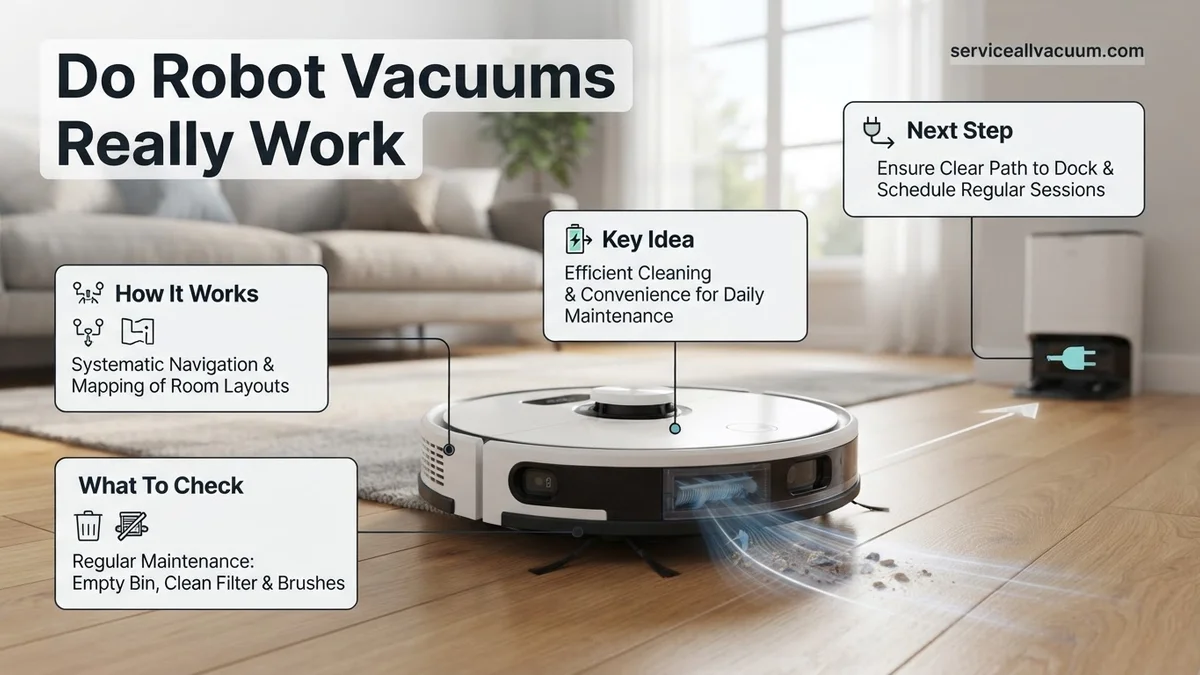
Neglecting basic upkeep will cause even a premium robot vacuum to lose suction and leave debris behind. Consistent physical maintenance keeps cleaning efficiency at peak levels.
- Empty the bin frequently: Do not wait for the onboard bin to overflow if you do not have an auto-empty docking station.
- Clean the brushes weekly: Cut away wrapped hair from the rubber rollers and side brushes to maintain proper rotation speed.
- Wipe sensors monthly: Use a dry microfiber cloth on the cliff and navigation sensors to prevent navigation errors.
How to Fix Common Navigation and Getting Stuck Issues
Modern 2026 automated vacuums feature advanced LiDAR and AI-driven optical sensors. Yet, they still occasionally get stranded under low-profile furniture or trapped by loose electrical cords. Consumer Reports testing shows that navigation errors account for over 40 percent of user frustration.
Clearing Obstacles and Updating Floor Maps
Randomly wandering units often suffer from outdated memory maps or dirty optical components. Resolving these spatial errors requires a systematic approach to hardware maintenance and software calibration.
- Wipe the cliff and LiDAR sensors clean with a dry, lint-free microfiber cloth every two weeks.
- Open the companion smartphone application and delete the existing floor map entirely.
- Run a fresh, uninterrupted mapping run with all interior doors open and chairs tucked tightly under tables.
- Establish permanent physical or digital no-go zones around notoriously problematic areas like pet feeding stations or thick shag rugs.
Resolving Threshold and Clutter Stalls
Threshold failures happen when transition strips between rooms exceed the climbing capacity of the drive wheels. According to industry specifications, standard units clear maximum heights of 0.7 inches. Higher transitions demand modular rubber ramps. Furthermore, picking up stray socks and charging cables before every scheduled cycle prevents tangled brush rolls.
What If It Still Doesn’t Work?
Persistent navigation failures or mechanical motor breakdowns require deeper intervention when basic resets fail. Certified appliance repair technicians note that stubborn hardware faults often stem from internal wheel motor degradation or corrupted motherboard firmware.
- Perform a hard factory reset by holding the power button for ten seconds until the device emits an audible reset tone.
- Disconnect the battery pack for five minutes to completely drain residual capacitance from the logic board.
- Contact the manufacturer customer service line to check if the unit falls within the standard one-year or two-year warranty window.
- Take the device to an authorized service center for diagnostic testing if firmware updates continuously fail to install.
- Evaluate repair estimates against replacement costs; professional motor replacements typically range from $120 to $250, making replacement more economical for aging models.
Conclusion
Do robot vacuums really work? Advanced 2026 models successfully maintain daily floor cleanliness when paired with proper home preparation and regular sensor maintenance. Fixing erratic behavior typically requires clearing optical lenses, updating internal navigation maps, and establishing strict digital boundary lines. According to verified research and expert sources from leading consumer testing laboratories, combining automated daily maintenance with a manual deep-clean once a month yields optimal results. Take the next step today by auditing your floor layout and setting up customized cleaning zones in your vacuum application.
❓ Frequently Asked Questions
Do robot vacuums actually pick up heavy debris like cereal or cat litter?
Robot vacuums easily handle lightweight debris like dust, pet hair, and small crumbs. However, heavier items like large cereal flakes or dense piles of cat litter may get scattered or overwhelm smaller suction inlets.
Are expensive robot vacuums significantly better than budget models?
High-end models feature advanced LiDAR navigation, auto-empty docks, and stronger suction that prevents random bumping. Budget models often use random bounce navigation, which can miss spots and take much longer to clean.
How do robot vacuums handle area rugs and thresholds?
Most modern robot vacuums can easily cross standard room thresholds and transition from hard floors to low-pile area rugs. Thick, high-pile rugs or heavy fringe, however, may cause them to get stuck or register as a cliff hazard.
Do robot vacuums require a lot of babysitting?
While designed for autonomous cleaning, robot vacuums still require prep work like picking up stray charging cables, socks, and small toys off the floor to prevent tangles and getting stuck.
Can robot vacuums clean multiple rooms and floors?
Models with smart mapping technology can navigate complex multi-room layouts and store multiple floor plans. However, you must manually carry the unit between different floors since they cannot climb stairs.
How long do robot vacuums typically last before needing replacement?
A well-maintained robot vacuum generally lasts between three to five years. Battery degradation and motor wear are the most common reasons replacement becomes necessary over time.