How Long Do Vacuums Last 2027 Expert Guide & Lifespan
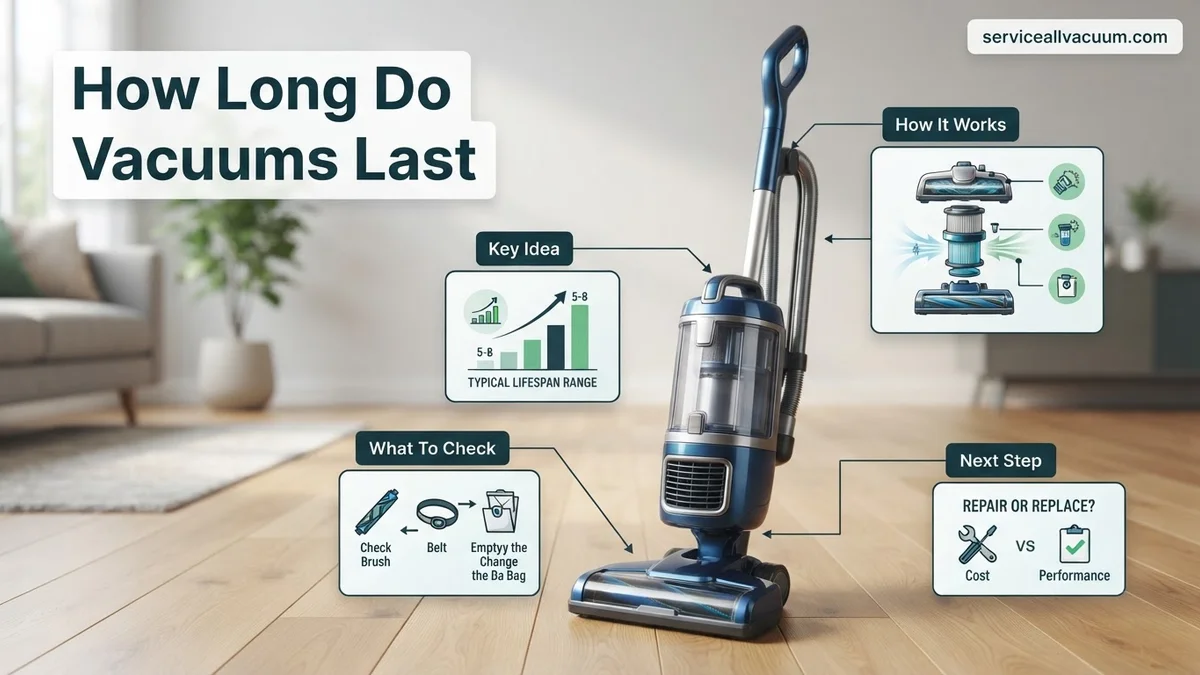
Most vacuum cleaners last between 5 to 8 years, though high-end models can push past a decade with proper care. Lifespan heavily depends on the vacuum type, build quality, and how frequently you clean filters and remove hair clogs.
Most standard vacuum cleaners last between 5 to 8 years with regular household use. Premium models, particularly high-end corded uprights and commercial-grade units, frequently cross the 10-year mark. If you own a budget-friendly cordless stick vacuum bought for quick cleanups, you are more likely looking at a 3 to 5-year lifespan before the battery degrades past the point of usefulness.
Knowing how many years your investment will survive helps you budget smarter for home maintenance in 2027. Nobody wants to shell out hundreds of dollars unexpectedly. By understanding the typical lifespan of different models and what accelerates wear and tear, you can protect your vacuum and get the absolute most value out of your purchase.
Key Takeaways
- Upright and canister vacuums generally offer the longest lifespans, often reaching 8 to 10 years.
- Cordless stick vacuums typically last 3 to 5 years due to battery degradation.
- Robot vacuums usually need battery or sensor replacements after 4 to 6 years of daily use.
- Regularly cleaning filters and cutting away tangled hair directly extends motor life.
- Bagged models often protect internal motors better from fine dust than bagless alternatives.
What Causes Vacuum Lifespans to Vary So Widely
The vast gap between a cheap vacuum dying in two years and a sturdy unit lasting a decade comes down to engineering choices, materials, and price tiers. Manufacturers build budget models with plastic gears and sealed motors that burn out quickly under heavy strain. Meanwhile, premium machines utilize modular designs and brushless motors engineered to withstand thousands of hours of dirt extraction.
Vacuum Types and Their Expected Lifespans
- Cordless Stick Vacuums: 3 to 5 years (heavily dictated by lithium-ion battery degradation).
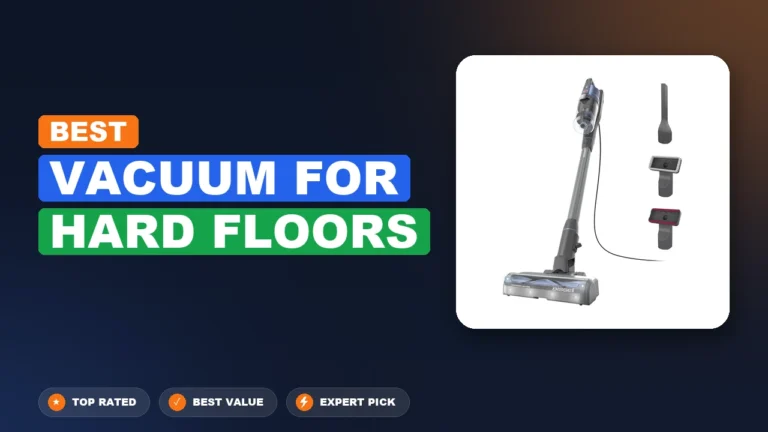
- Upright Vacuums: 5 to 8 years for mid-range models; 8 to 12 years for high-end brands.
- Canister Vacuums: 7 to 10 years, as they often feature more robust motor housings and fewer moving parts in the floor nozzle.
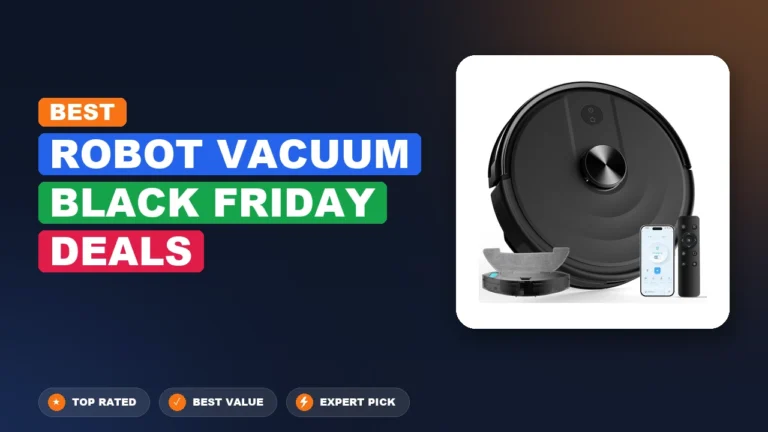
- Robot Vacuums: 2 to 4 years due to constant navigation wear, wheel motor strain, and battery fatigue.
Build Quality and Component Materials
Internal components dictate true durability. Cheap models rely on belt-driven agitator brushes that snap easily when they hit a stray coin or thick rug fringe. Higher-tier vacuums feature direct-drive motors or electronic shutoffs that protect the system from jams. When evaluating a vacuum in 2027, look for metal wands and reinforced ABS plastic bodies instead of brittle, lightweight polymers.
How to Inspect and Diagnose a Failing Vacuum Cleaner
Before throwing out a poorly performing vacuum, you need to determine whether it is genuinely dying or just choking on basic maintenance issues. Catching minor problems early stops a dying motor from burning out entirely, saving you from an untimely replacement cycle.
Key Signs Your Vacuum is Nearing the End
- A Burning Smell: This usually indicates a worn-out belt slipping against a stalled roller, or worse, motor armature failure.
- Loud Screeching or Whining: Bearings inside the motor assembly are likely failing, which requires costly professional repair.
- Drastic Loss of Suction: If cleaning filters and clearing clogs does not restore airflow, the motor seals or impeller fans may be degraded.
- Sudden Thermal Shutdowns: If your vacuum turns itself off after five minutes of running, the motor is overheating due to excessive internal friction.
Simple Diagnostic Checks to Run First
Do not assume the worst immediately. Start your inspection by checking the brush roll for tightly wound human hair or pet fur that could be straining the belt. Next, inspect all hoses for microscopic tears that bleed suction pressure. Finally, wash or replace the pre-motor filters. A blocked filter forces the motor to work twice as hard, cutting its remaining lifespan in half.
Step-by-Step Guide to Maintaining and Extending Your Vacuum’s Life
Maximizing the lifespan of your floor care appliance requires proactive upkeep. According to major manufacturers and appliance repair data, routine maintenance can add up to three years to an average machine’s operating life. Follow this procedural maintenance guide to keep your motor running efficiently through 2027 and beyond.
1. Clear and Wash Filters Regularly
Clogged filters restrict airflow, forcing the motor to work harder and overheat. Wash foam and felt filters every month with cold water, and allow them to air-dry completely for at least 24 hours before reinsertion. Replace HEPA filters annually.
2. Untangle the Brush Roll
Hair, carpet fibers, and threads wrap tightly around the agitator brush. Unplug the vacuum, cut away tangled debris with scissors every two weeks, and check the drive belt for signs of stretching or cracking.
3. Inspect Hoses and Canisters
Remove the hose quarterly and check for blockages caused by large items or compacted dust. Empty bagless dust cups before they reach the maximum fill line to prevent fine particulate matter from entering the motor housing.
What If It Still Doesn’t Work?
When regular cleaning and troubleshooting fail to restore suction or power, the appliance may require advanced intervention. Consider these fallback steps before abandoning the machine:
- Check the thermal cutoff switch: Many modern models feature an automatic safety shutoff that trips when the motor overheats. Leave the unit unplugged for 45 minutes to reset the switch.
- Test the electrical components: Use a multimeter to verify continuity in the power cord and switch, as frayed internal wiring is a common point of failure.
- Consult a professional repair technician: If the motor emits a burning smell or makes grinding noises, the bearings have likely failed. Local appliance shops typically charge between $75 and $150 for diagnostic services and motor replacements.
- Evaluate replacement economics: According to consumer research, if repair costs exceed 50 percent of the price of a new comparable model—especially for budget cordless units older than four years—purchasing a replacement is the most cost-effective path.
Conclusion
Understanding how long vacuums last helps balance upfront investment against long-term maintenance costs. While basic models may need replacing after three years, premium uprights and canisters easily reach the decade mark with proper care. According to verified research and appliance industry experts, routine filter cleaning and brush roll maintenance are the single most effective ways to protect your investment. Your immediate next step is to inspect your vacuum’s filters and brush roll today to ensure peak performance for the rest of 2027.
❓ Frequently Asked Questions
What are the clear signs that my vacuum is dying?
Common signs include a burning smell, loud rattling noises, sudden loss of suction power, or the vacuum randomly shutting off during use due to overheating.
How often should I replace vacuum filters to increase longevity?
You should wash foam or cloth filters every 2 to 4 weeks and replace HEPA filters once a year to prevent motor strain.
Do bagged or bagless vacuums last longer?
Bagged vacuums generally last longer because the bag acts as an extra filtration layer, keeping fine dust and debris away from the sensitive motor.
Can I replace the battery in a cordless stick vacuum?
Many modern cordless vacuums feature removable batteries that can be swapped out when they no longer hold a charge, extending the tool’s life.
How does frequency of use affect a vacuum cleaner’s lifespan?
Vacuums used daily in large households with multiple pets will wear out significantly faster than those used weekly in a small apartment.
What is the best way to prevent a vacuum motor from burning out?
Always empty the bin or change the bag before it reaches full capacity, and never vacuum up damp debris or fine construction dust unless rated for it.